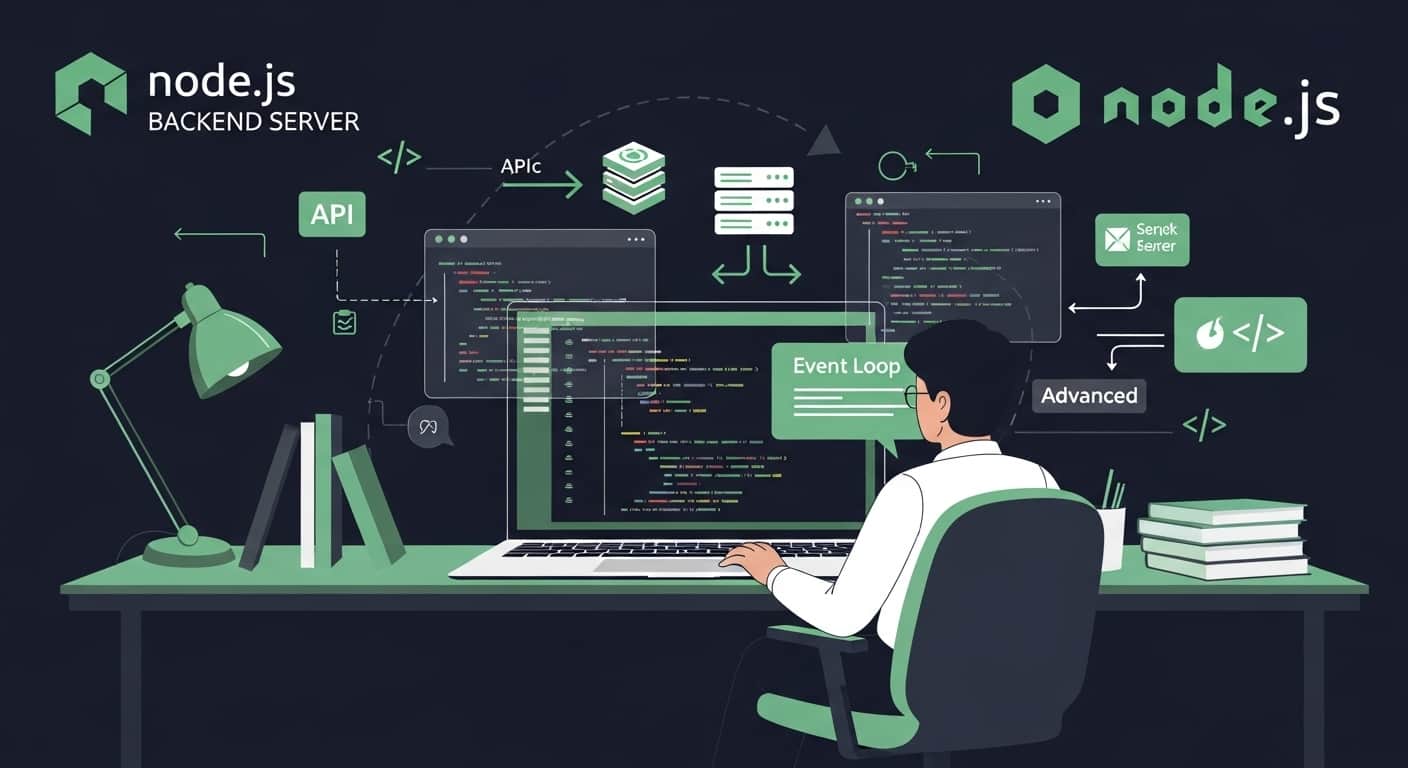
Node.js is a powerful, high-performance JavaScript runtime built on Chrome’s V8 engine that allows developers to execute JavaScript on the server. By revolutionizing asynchronous, non-blocking I/O, Node.js enables engineers to build fast, scalable backend applications, high-throughput REST APIs, and real-time event-driven systems. This comprehensive guide covers Node.js from first principles through advanced production patterns using clear international English, tailored for developers across global technology ecosystems.
What is Node.js
Node.js is an open-source, cross-platform JavaScript runtime environment built on Chrome's V8 JavaScript engine. It executes JavaScript code outside the browser, empowering developers to utilize a single programming language across both frontend client interfaces and backend server infrastructure.
Explore Python Backend Development GuidesRead the TypeScript Development Guide
Why Node.js Was Created
Traditional web servers handled concurrent client requests using multi-threaded models where each connection spawned a separate thread, consuming heavy memory and suffering from blocking I/O bottlenecks. Node.js was created by Ryan Dahl to introduce a single-threaded, non-blocking, event-driven architecture capable of handling thousands of simultaneous connections efficiently.
How Node.js Works
Node.js operates on an event-driven, non-blocking I/O model powered by the libuv library. When asynchronous tasks like disk reads, network requests, or database queries occur, Node.js delegates them to system threads or kernel operations and immediately continues executing other code, invoking callback functions or resolving promises once operations complete.
Node.js Features
Node.js includes core architectural features optimized for modern backend engineering.
- Asynchronous, non-blocking I/O execution pipeline
- Event-driven architecture managing high-concurrency workloads
- Blazing-fast V8 engine compiling JavaScript directly to machine code
- NPM ecosystem hosting millions of reusable open-source packages
- Cross-platform compatibility across Linux, macOS, and Windows
Installing Node.js
Setting up Node.js can be accomplished via the official installer or version managers like nvm (Node Version Manager). NPM installs automatically alongside Node.js.
# Verify Node.js and NPM versions
node --version
npm --version
Your First Node.js Program
Executing JavaScript via the Node runtime is handled directly through the terminal command line.
console.log("Hello from Node.js runtime!");Understanding Modules
Node.js modularity organizes code into encapsulated files using CommonJS (`require`) or native ECMAScript Modules (`import`/`export`).
const fs = require("fs");

fs.readFile("config.json", "utf8", (err, data) => {
    if (err) {
        console.error("Failed to read file:", err.message);
        return;
    }
    console.log("Configuration loaded:", data);
});
NPM and Package Management
NPM (Node Package Manager) manages third-party dependencies, project metadata, and execution scripts via `package.json`.
# Initialize a new Node project
npm init -y

# Install a production dependency
npm install express
Asynchronous Programming
Modern Node.js replaces cumbersome nested callbacks with Promises and clean `async/await` syntax for handling asynchronous execution.
async function fetchDatabaseRecord(id) {
    try {
        const record = await database.find({ id });
        return record;
    } catch (error) {
        throw new Error("Database query failed: " + error.message);
    }
}
Event Loop Explained
The event loop is the foundational mechanism coordinating non-blocking operations in Node.js. It cycles through distinct phases (Timers, Pending Callbacks, Poll, Check, Close Callbacks) to execute queued asynchronous callbacks efficiently on a single main thread.
Working with File System
The built-in `fs` module provides synchronous and asynchronous methods for interacting with the operating system file structure.
const fs = require("fs/promises");

async function writeAuditLog() {
    await fs.writeFile("audit.log", "System initialized successfully.\n", { flag: "a" });
}
Creating a Web Server
Node.js includes a native `http` module capable of spinning up web servers without external frameworks.
const http = require("http");

const server = http.createServer((req, res) => {
    res.writeHead(200, { "Content-Type": "application/json" });
    res.end(JSON.stringify({ status: "healthy", timestamp: Date.now() }));
});

server.listen(3000, () => {
    console.log("HTTP server running on port 3000");
});
Building REST APIs
Production REST APIs are typically built using frameworks like Express or Fastify to handle routing, request parsing, and response serialization cleanly.
Middleware Concept
Middleware functions sit between incoming requests and route handlers, executing tasks such as authentication verification, payload logging, rate limiting, and body parsing.
Error Handling
Centralized error handling blocks prevent unhandled promise rejections and server crashes, returning standardized error payloads to clients.
app.use((err, req, res, next) => {
    console.error(err.stack);
    res.status(500).json({ error: "Internal Server Error", message: err.message });
});
Advanced Node.js Concepts
Scaling Node.js applications involves utilizing worker threads for CPU-heavy tasks, clustering to leverage multi-core CPUs, and streams for handling large data payloads efficiently.
Performance Optimization
High-traffic enterprise applications require meticulous performance tuning and resource management.
- Implement Redis or memory caching for frequent database reads
- Avoid blocking the event loop with synchronous operations or heavy loops
- Utilize clustering modules to maximize multi-core server utilization
- Optimize database query indexing and connection pooling
Security Best Practices
Securing backend Node.js applications protects against injection attacks, data leaks, and unauthorized access.
- Sanitize and validate all incoming user input rigorously
- Store sensitive credentials securely using environment variables (`dotenv`)
- Enforce robust API authentication via JWTs or OAuth2 standards
- Keep dependencies updated and audit vulnerabilities regularly using `npm audit`
Common Problems Beginners Face
New developers frequently encounter hurdles when transitioning to asynchronous backend environments.
- Falling into callback hell with deeply nested asynchronous functions
- Misunderstanding asynchronous timing and race conditions
- Blocking the single-threaded event loop with CPU-intensive operations
- Failing to catch unhandled promise rejections properly
Best Practices
Adhering to community conventions ensures maintainable, testable, and robust enterprise codebases.
- Adopt clean MVC or layered architectural folder conventions
- Always use `async/await` over raw nested callbacks for readability
- Establish centralized error-handling middleware across the app
- Write comprehensive integration and unit tests using Jest or Mocha
Real World Use Cases
Node.js powers mission-critical infrastructures across global tech giants and high-growth enterprises.
- High-throughput REST and GraphQL backend microservices
- Real-time chat servers and collaborative web sockets
- Data streaming platforms and media processing pipelines
- Serverless functions and cloud-native API gateways
Frequently Asked Questions
Is Node.js good for beginners?
Yes. If you already understand JavaScript fundamentals, Node.js provides a smooth, unified transition into full-stack backend development.
Is Node.js single-threaded?
Yes, the core event loop execution thread is single-threaded, but Node.js leverages underlying system threads and worker pools to handle heavy I/O and background tasks asynchronously.
Can Node.js handle enterprise-scale applications?
Yes. Major companies like Netflix, LinkedIn, and Uber rely heavily on Node.js to power high-scale production microservices.
What is the difference between Node.js and browser JavaScript?
Browser JavaScript interacts with the DOM and window objects, whereas Node.js runs on the server, providing access to the operating system file system, network sockets, and process modules.