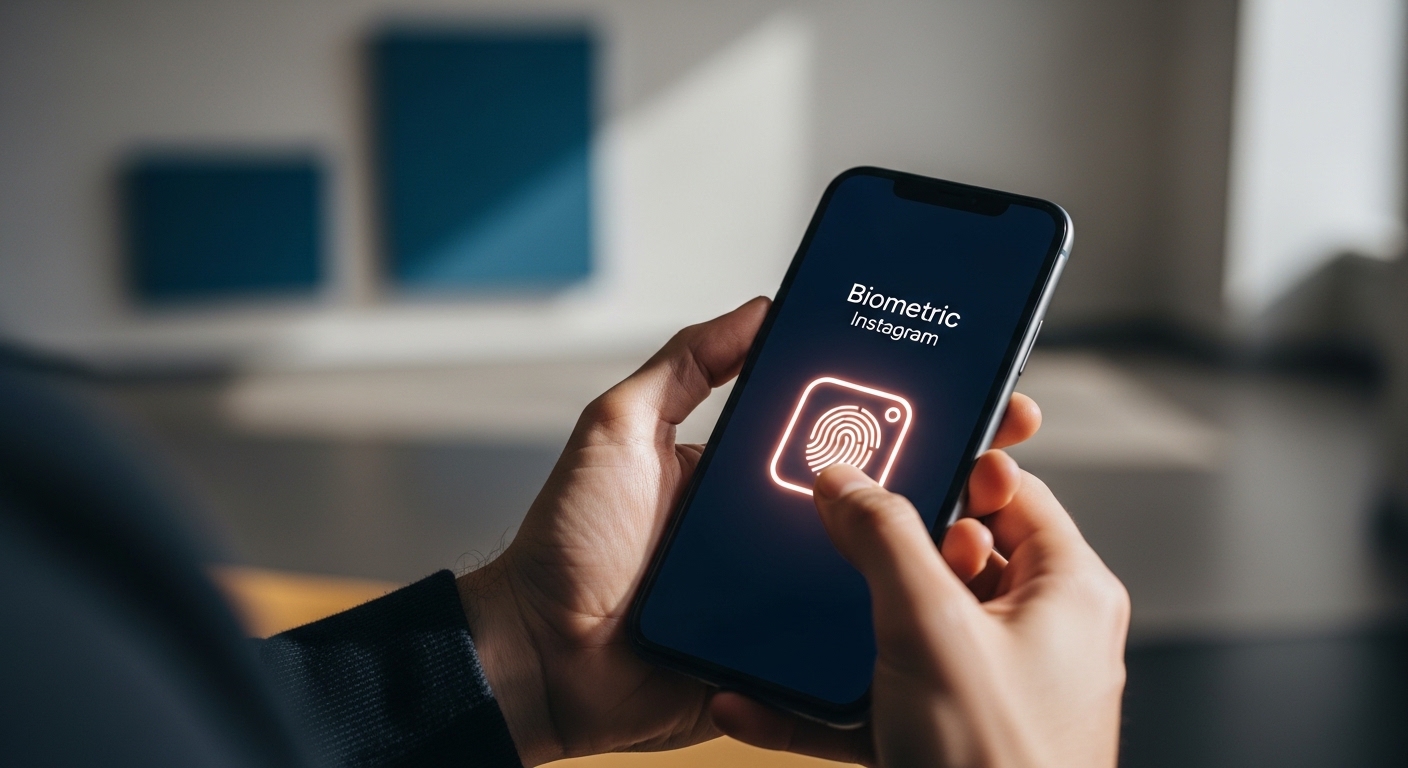
If you are searching for how to lock Instagram app, you are likely concerned about privacy, account security, or preventing unauthorized access to your social media. Instagram contains personal messages, private photos, stories, and account details that many users prefer to protect from others. Whether you share your phone with family members, use it at work, or simply want stronger privacy control, locking Instagram can add an extra layer of security. While Instagram does not offer a direct built-in app password lock feature in all regions, modern smartphones provide several effective solutions. This complete 2026 guide explains how to lock Instagram app on Android and iPhone using fingerprint, Face ID, passcode protection, built-in app lock features, third-party tools, and advanced Instagram privacy settings. The goal is simple: help every user — beginner to advanced — secure their Instagram account safely and correctly.
Why You Should Lock Instagram App
Instagram contains direct messages (DMs), personal photos, saved posts, reels history, login credentials, and sometimes linked payment information for ads or shopping. Without proper protection, anyone with access to your phone can open the app and view your content. Locking Instagram helps prevent: - Unauthorized access by friends or coworkers - Accidental posting or message sending - Privacy breaches - Account misuse - Data exposure if phone is lost For teenagers, professionals, influencers, and business users, app-level protection is especially important. Even if your phone has a screen lock, an additional app lock adds extra security.
Does Instagram Have a Built-In App Lock?
| Feature | Availability |
|---|---|
| Direct App Password Lock | Not universally available |
| Biometric Login | Supported on many devices |
| Two-Factor Authentication (2FA) | Available |
| Login Activity Monitoring | Available |
| Privacy Settings | Available |
How to Lock Instagram App on Android
Most Android smartphones include a built-in App Lock feature. The exact steps may vary slightly depending on the manufacturer, but the general process is similar. Method 1: Using Built-in App Lock 1. Open Settings on your Android phone. 2. Go to Security or Privacy. 3. Tap App Lock. 4. Set a PIN, pattern, or biometric lock. 5. Select Instagram from the app list. Method 2: Using Secure Folder (Available on some devices) Some Android devices allow you to move Instagram into a Secure Folder protected by fingerprint or password. This method ensures Instagram cannot be opened without authentication.
How to Lock Instagram App on iPhone
iPhone users can lock Instagram using Screen Time or Face ID restrictions. Method 1: Using Face ID for Instagram 1. Open Settings. 2. Go to Screen Time. 3. Tap App Limits. 4. Add Instagram to the list. 5. Set time limit to 1 minute. 6. Require passcode to extend usage. Method 2: Using App Lock (iOS Updates) Recent iOS versions allow users to require Face ID for certain apps directly. This ensures Instagram cannot be opened without biometric authentication.
Using Third-Party App Lock Tools
| Tool Type | Function |
|---|---|
| App Lock Apps | Add PIN or fingerprint protection |
| Vault Apps | Hide Instagram or protect access |
| Parental Control Apps | Restrict app usage |
| Device Security Apps | Provide broader protection |
Additional Instagram Privacy Settings
Beyond locking the Instagram app, you should enable internal security features. Enable Two-Factor Authentication (2FA): - Go to Settings > Security > Two-Factor Authentication - Choose SMS or Authentication App Set Account to Private: - Settings > Privacy > Private Account Control Message Requests: - Privacy > Messages > Manage message controls Review Login Activity: - Security > Login Activity These steps ensure that even if someone gains access to your device, your account remains protected.
Comparison of Lock Methods
| Method | Security Level | Ease of Use | Best For |
|---|---|---|---|
| Built-in App Lock | High | Easy | Android users |
| Face ID Restriction | High | Easy | iPhone users |
| Third-Party App Lock | Medium to High | Moderate | Extra customization |
| Secure Folder | Very High | Moderate | Advanced users |
Common Security Mistakes to Avoid
- Using weak phone passwords
- Sharing biometric access with others
- Not enabling two-factor authentication
- Ignoring suspicious login alerts
- Installing unverified security apps
Advanced Instagram Account Protection Tips
- Use a strong unique password
- Enable authentication app-based 2FA
- Regularly review connected apps
- Turn off contact syncing
- Avoid logging in on public devices
FAQs
How to lock Instagram app with fingerprint?
Use your phone’s built-in App Lock feature or Face ID/biometric restrictions to require fingerprint authentication before opening Instagram.
Does Instagram have a built-in app lock?
Instagram does not offer a universal built-in password lock, but device-level locks can secure the app.
How to lock Instagram on iPhone?
Use Screen Time limits or Face ID app restrictions to require authentication.
How to lock Instagram on Android?
Enable App Lock in your phone’s security settings and select Instagram.
Is third-party app lock safe?
Only use verified and reputable security apps from official app stores.
Can someone access Instagram if my phone is unlocked?
Yes, unless you use an app-level lock or biometric restriction.
How to make Instagram account more secure?
Enable two-factor authentication and set a strong password.
Does private account mean locked app?
No, private account controls followers, not app access.
What is the safest way to protect Instagram?
Combine device lock, app lock, and two-factor authentication.
Can I lock Instagram chats separately?
Currently, Instagram does not provide individual chat locking for all users.